The Connekt team3 min read
Recruitment CRM Migration Checklist: Verify Before Moving
Plan a recruitment CRM migration with an export inventory, field checks, relationship tests and clear acceptance criteria before your team switches systems.
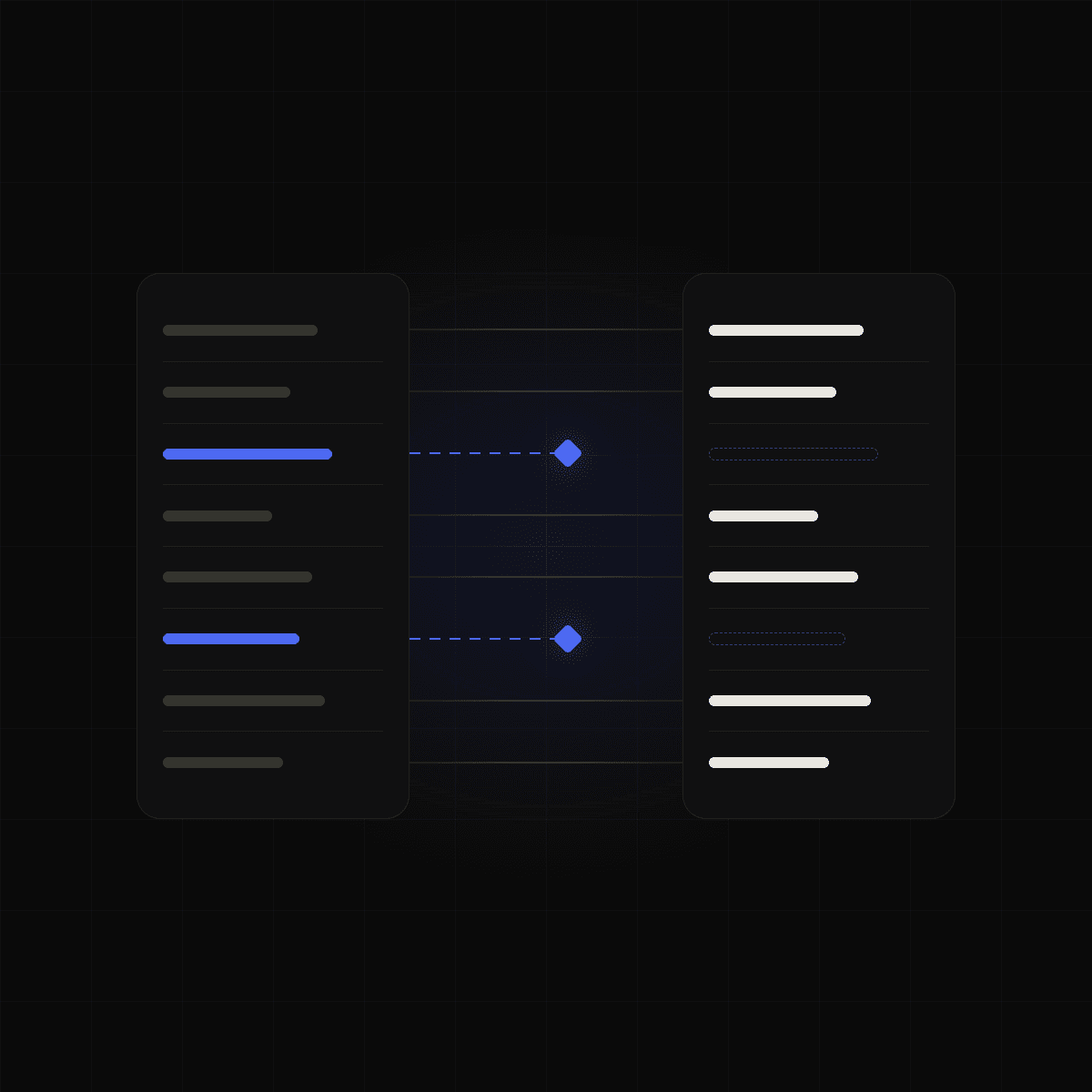
Recruitment CRM migration checklist: check the meaning, not just the count
A recruitment CRM migration should be checked at three levels: whether the expected records arrived, whether their fields retain the right meaning and whether the relationships between records still support your work. A successful upload alone does not establish any of those outcomes.
Start by writing down what your agency needs to do on the first day in the new system. Find active candidates? See the latest client discussion? Continue a live assignment without losing the next action?
Those tasks become acceptance criteria. They turn a broad concern about “moving the database” into checks a recruiter can actually perform.
Inventory what you can export
Ask your current provider which record types and related materials are included in the available export. Confirm the arrangements for documents, notes, custom fields, activity history and record identifiers.
Do not assume a spreadsheet of candidates also contains every attachment or relationship. Write down what is included, excluded and still unknown.
Keep an unchanged copy of the export and a record of when it was produced. Work from copies when making transformations so that an unexpected result can be investigated against the source.
Review meanings before approving mappings
Field names can hide important differences. Current compensation and expected compensation are different facts. A company’s office location may not be the candidate’s preferred work location.
Use a mapping sheet like this:
Source field: Salary
- Intended meaning: Confirm with the source system.
- Review question: Current pay, expectation, base or total package?
Source field: Owner
- Intended meaning: Person responsible for the record.
- Review question: Is that person still active?
Source field: Status
- Intended meaning: Position in a defined workflow.
- Review question: Candidate-wide status or status for one role?
Source field: Company ID
- Intended meaning: Reference to a company record.
- Review question: Does the referenced company also exist in the export?
Include units, currencies and date conventions where relevant. A mapping can be technically accepted and still produce a misleading record.
Test ordinary and awkward records
Select a sample that includes active work and known edge cases. Check someone with multiple notes, a person linked to more than one assignment, a company with several contacts and a record containing unusual characters.
Ask recruiters to find people they know well. They may recognise a missing relationship or outdated status that a total record count would not reveal.
Use these acceptance checks:
- Reconcile counts by record type, explaining intended exclusions.
- Compare important field values against the source.
- Check links between people, companies and assignments where those are in scope.
- Open representative attachments if document transfer is included.
- Confirm how ambiguous and duplicate records will be handled.
- Run the first-day tasks agreed at the start.
Record exceptions with an owner and a resolution. Decide explicitly which issues block the move.
Plan changes between the export and the switch
Your live database may change while the migration is being tested. Agree how those changes will reach the new system, when the team stops updating the old one and who authorises the switch.
Also define what happens if acceptance checks fail. The fallback should be discussed before the agency depends on the imported records.
Timing, record coverage and assistance vary by project. Get the scope documented rather than treating a demonstration as a guarantee for every export.
How Connekt describes its importer
Connekt’s importer proposes field mappings from uploaded exports, supports configured custom fields and holds back columns it cannot place. Users review the mapping and records needing a decision before confirming. The importer is included in every plan; larger or unusual assisted migrations are arranged separately. See Connekt’s migration page.
That workflow still benefits from clear acceptance criteria. Bring a representative export description and your essential checks to a Connekt demo.
A common migration question
How long should a recruitment CRM migration take? Establish the scope first. Export access, data quality, record relationships, testing and the cutover plan all affect the work. Ask for a timeline based on your data rather than relying on a general estimate.