The Connekt team3 min read
Recruitment CRM for Agencies: A Practical Buying Guide
Choose a recruitment CRM with a practical demo scorecard covering candidate search, call notes, follow-ups, migration and everyday recruiter workflows.
How to choose a recruitment CRM your team will actually use
A recruitment CRM should help your agency find relevant people, understand the relationship and move the next conversation forward. Evaluate it by asking a recruiter to complete real tasks, then checking the result, the effort involved and what another team member can see afterwards.
A feature checklist is a useful starting point. It is a poor substitute for watching someone run a desk.
Imagine a consultant taking over a colleague’s role on a busy Tuesday. Can they find the shortlisted candidates, see the latest client decision and identify the next promised action? That handover exposes whether the system holds usable context or merely stores records.
Prepare a small test pack
Before a demo, choose one representative role and a few fictional or appropriately anonymised candidate records. Include a clear fit, a plausible near-fit and someone whose circumstances rule them out.
Write down the outcome you expect from each task. “Search is easy” is subjective. “A new recruiter can find the agreed candidates and explain why they appeared” is testable.
Keep this pack consistent across vendors. Otherwise, you are comparing different demonstrations rather than different products.
Score a complete workflow
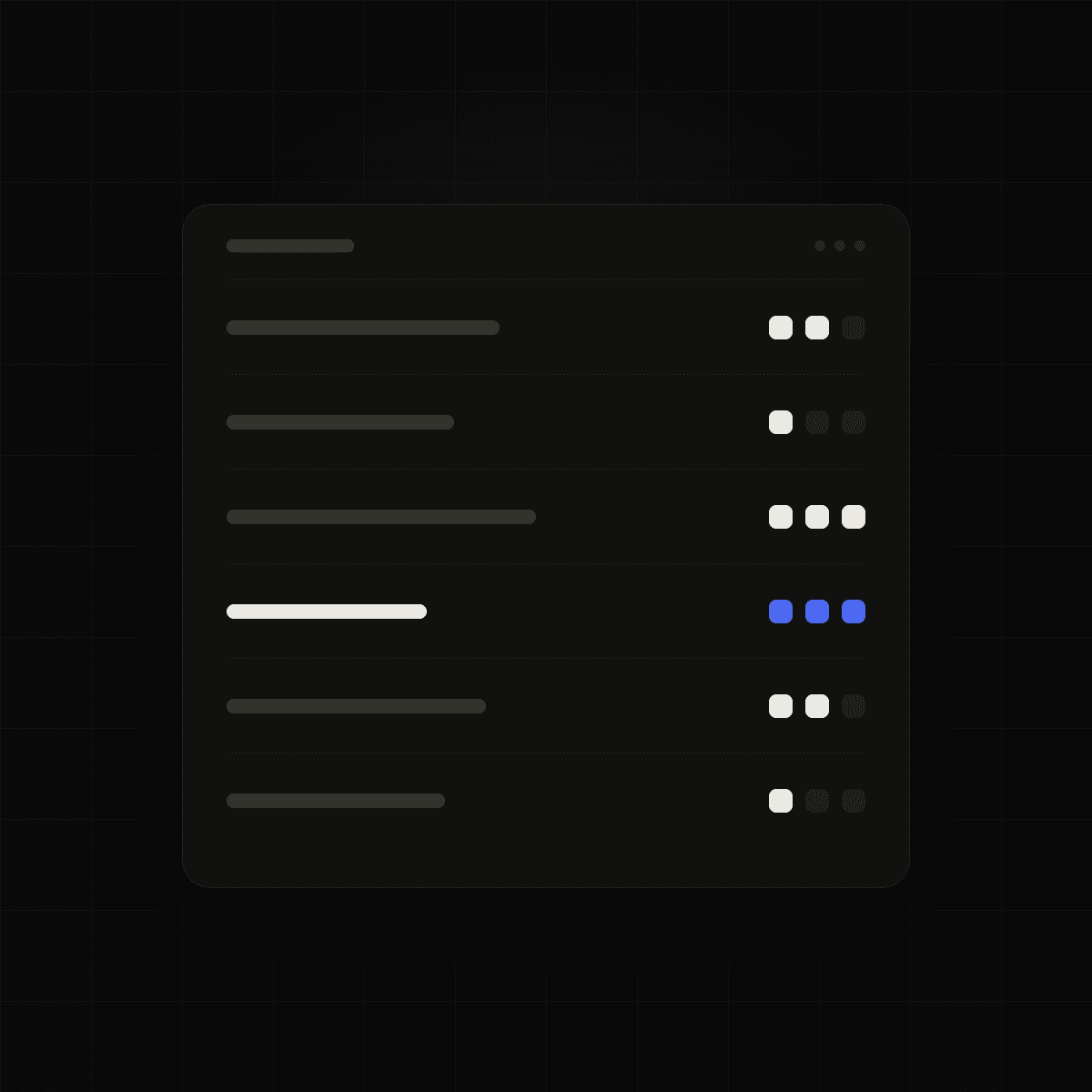
Use the following scale: zero means the task could not be completed; one means it required a substantial workaround; two means it worked with some friction; three means it worked clearly and repeatably.
- Find a candidate: A relevant result and enough context to assess it.
- Review a conversation: Notes attached to the intended person, with errors easy to correct.
- Plan a follow-up: A clear action, owner and date.
- Hand over a live search: Another recruiter understands the current position.
- Move existing records: Field mapping and a way to review exceptions.
- Retrieve your information: An explanation of exports, limits and any associated charges.
Weight the tasks before the demonstration. A five-person agency might place more weight on daily usability than on elaborate reporting. A larger team might have mandatory access-control requirements that override a high overall score.
Treat critical requirements as pass-or-fail gates. A strong average should not conceal a missing capability the agency depends on.
Test corrections as well as successful actions
Good demonstrations show what happens when everything goes right. Useful evaluations also show what happens when something goes wrong.
Ask the presenter to correct a mistaken note, handle an ambiguous import field and stop a follow-up that is no longer appropriate. Can the recruiter recognise the problem? Can they fix it without creating another inconsistency?
This matters especially for AI features. A plausible summary is not enough if the team cannot verify or amend it. Ask which information supports an answer and where human review belongs.
Put commercial questions beside workflow questions
Request a written breakdown of seats, usage limits, onboarding, migration, support and renewal terms. Ask which demonstrated functions are included in the proposed plan.
Then discuss implementation. Who configures the system? Who signs off the imported data? What must recruiters learn before their first live day?
A product can be a good fit and still require work to introduce. Knowing that work in advance makes the decision more useful.
Make the decision with the people using it
Have at least one working recruiter repeat the core tasks. Record their questions and the workarounds they needed. Agree on a short list of unresolved items before making a commitment.
Connekt positions itself as an AI-native CRM for recruitment agencies. Explore Connekt.
Bring your test pack to a Connekt demo and ask to walk through your agency’s priorities.
A common buying question
Should a small agency prioritise breadth or simplicity? Start with the workflows you must complete reliably. Additional features become valuable when they solve a real requirement and the team can use them without creating more administrative work.